
The Wedding Photo QR Code That Actually Gets Your Guests’ Best Shots (No App Required)
You’ve probably heard this familiar gripe about wedding photos from loved ones who’ve already tied the knot. It’ll be three weeks after the wedding, and you’ll get a text. It’s a cousin, and they’re finally getting round to sending over “a few photos from the day”, and it’ll be four blurry shots taken from across the room, sent at half the resolution because WhatsApp compressed them twice… And that’s usually all you’ll get, leaving you wondering, where’s the gold you know friends and family captured on the big day? The best man’s shot of the emotional first dance. Your grandma’s candid photo of you two laughing at the top table, somehow perfectly timed. The maid of honour’s video of the speech everyone was crying laughing at. All of it exists, on various guests’ phones, and almost none of it will ever reach you. Unless you offer guests a super simple way to share their wedding photos with you.
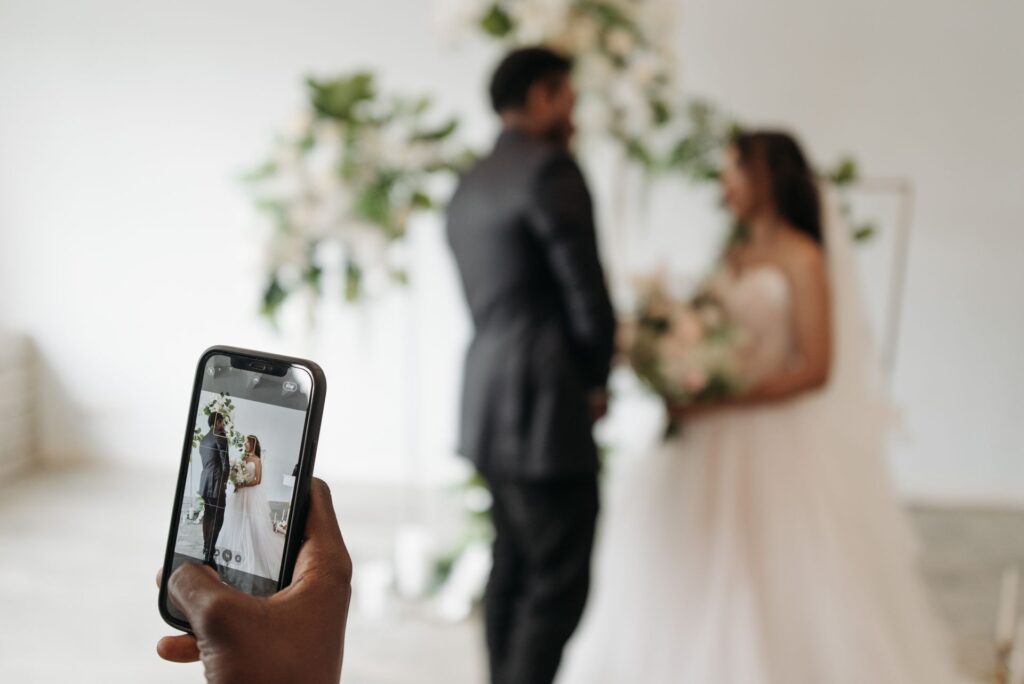
Why hashtags and shared drives just don’t cut it
A wedding photo QR code is the simple fix nobody seems to talk about until they’ve tried it, and it’s a lot more straightforward than nearly any other alternative out there, and believe me, I’ve tried quite a few! There’s the wedding hashtag, which heavily relies on guests remembering to use it, being active on social media, and being happy to post publicly — which these days, so few of my friends are. Or there’s a shared Dropbox link, which guests need to find, tap, and trust isn’t about to eat through their data and time. Neither option gives you the full picture of the celebration, and both ask more of your guests than most of them would choose to give on the day.
How a wedding photo QR code works
The best wedding photo QR codes make uploading simple, quick, and don’t require an app. Snapveil breezes over that low bar with ease. Guests simply point their phone camera at a couple’s unique QR code, the upload page opens in their browser, and they add their wedding photos. That’s it, that’s the whole process. No download, no account setup, no password to remember three drinks in. If someone can take a photo, they can add it to your gallery and do so with ease during the celebration.
You’d be amazed how much that “no app” part matters. A surprising number of wedding guest-photo ideas die at exactly this step, because the moment you ask someone to hop on the venue wifi or install something, you’ll lose a whole chunk of them. Older relatives in particular don’t want another app cluttering their phone. Guests on limited data won’t fancy committing to a download mid-reception. And more often than not, people simply forget to do it by the time they’re back at their table.
A wedding photo QR code for guests sidesteps all of that: scan, upload, done, and it works the same whether someone’s on the latest iPhone or an Android on its last legs.
Keep hundreds of guest photos effortlessly organised
Once photos start coming in, Snapveil does some genuinely useful sorting for you in the background. For example, it tags images automatically and picks up on location data, so a gallery of several hundred guest photos doesn’t just become an unsorted dump you have to scroll through one by one. Everything loads quickly too, even with a gallery running into the thousands, which is a more likely number of wedding guest photos than you’d think! And with that amount of shots, most wedding photo-sharing apps will slow to a crawl exactly when you try to look through them all.
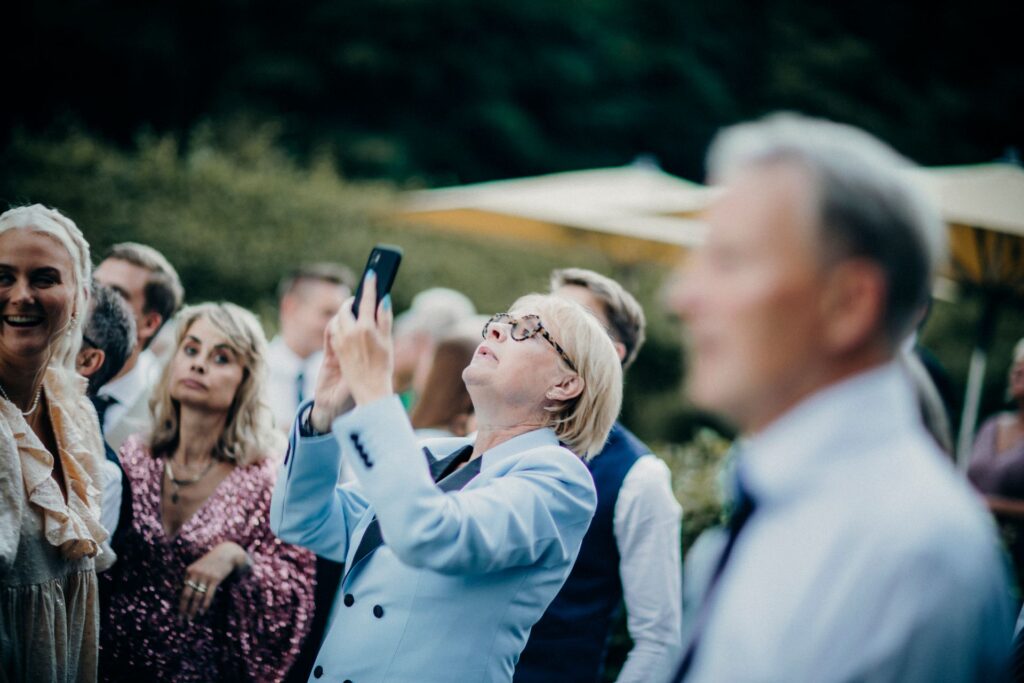
Privacy and who gets to see what
Privacy is one thing you and your guests should feel confident about before setting up a wedding photo QR code, and with Snapveil, it’s built in rather than bolted on. You set a password if you want the gallery private, decide who gets to see what, and then manage who can add or view photos throughout the event. That’s a reasonable ask for a wedding and perhaps something you might not have thought of. You may be happy for two hundred guests to upload their wedding photos but not necessarily happy for two hundred guests, plus anyone they forward the link to, to browse through every image afterwards. Or conversely, you may feel like you only want to receive photos from a trusted group of guests to keep the quality high. That’s easily done with Snapveil’s guest access toggles.
Enjoy the photos as they come in, not just after
A feature I love from Snapveil that’s worth setting up before guests arrive is their live photo wall! On a large screen or projector positioned somewhere prominent during the reception itself, you can enjoy guest photos as they are captured on a spotlight, mosaic, or slideshow. A genuine crowd-pleaser that’ll do double duty as a reminder for anyone who may have forgotten about the wedding photo QR code by the time the second course arrives.
Downloading your photos afterwards
When it comes to downloading your photos after the event, Snapveil gives you a choice of quality, from standard resolution up to the original file. If you’re planning an album or want to print anything, that original-quality option is the one to use. There’s also no mad rush to get everything off the platform the next morning as galleries stay live for up to 12 months, so you can go back for the stragglers whenever your more forgetful guests finally get round to uploading. It’s paid per event rather than a subscription too, which suits a wedding really well, as that means you’re not signing up for an ongoing cost for something you’ll use once, intensely, over the course of a single day.
The candid moments your wedding photographer will miss
Where a wedding photo QR code fits best is exactly where most guest-photo systems fall down: capturing candid, in-the-moment shots. Your wedding photographer will get the formal portraits, the ceremony, and the key moments they’re briefed to capture. But they can’t be in the beer garden when someone finally gets Grandad up dancing, or by the spritz bar for the surprise bridesmaids toast nobody warned anyone about. Guests are already there with a camera in their pocket, ready to capture every real moment as it unfolds. A wedding photo QR code gives them somewhere to share that gold with you.
If you’re planning a wedding and want every angle of the day captured, not just the scenes your photographer had a lens pointed at, a wedding photo QR code is genuinely worth setting up well before the big day. Print the code onto your table cards or place it somewhere guests will naturally see it, and let the gallery fill itself in over the course of the evening. You’ll likely be amazed at what turns up in there the next morning.
Snapveil is free to start, no credit card needed, so there’s really nothing stopping you from setting your gallery up well ahead of the big day and seeing it fill up for yourself.

You May Also Like

Short Timeline Wedding 3 Month Checklist: Your Rapid Guide to Planning a Chic Celebration

Introducing… Your New Favourite brand: Made with Love Bridal